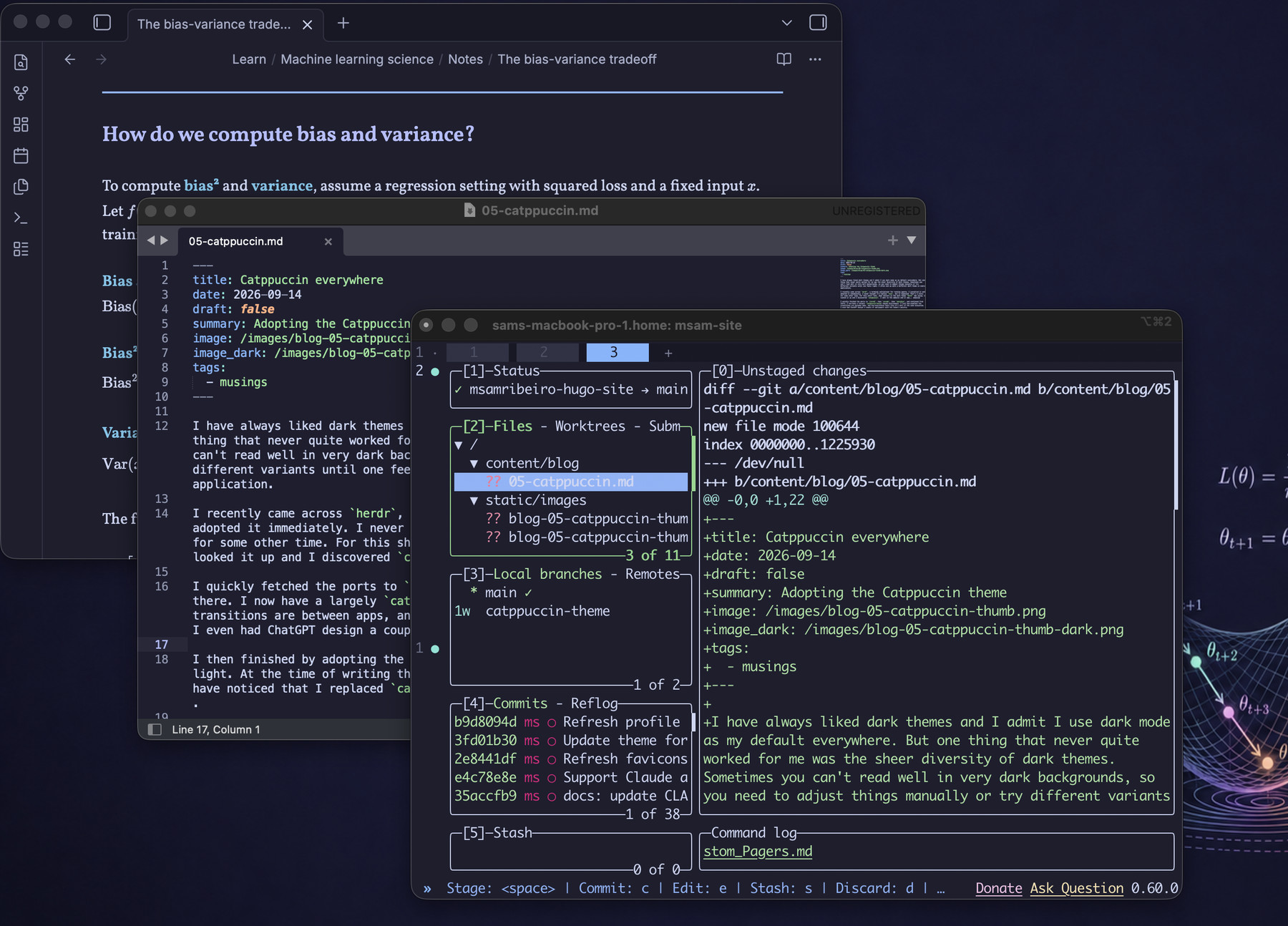
I have always liked dark themes and I admit I use dark mode as my default everywhere. But one thing that never quite worked for me was the sheer diversity of dark themes. Sometimes you can’t read well in very dark backgrounds, so you need to adjust things manually or try different variants until one feels right. I often end up with a different dark theme in every application.
I recently came across herdr, a terminal multiplexer for running agents. I installed it and adopted it immediately. I never thought I’d replace tmux, but it happened. That’s a story for some other time. For this short rant, what matters is the dark theme herdr was using. I looked it up and I discovered catppuccin. I went to the website and it was… amazing!
I quickly fetched the ports to iterm2, then vscode, sublime text, obsidian, and continued from there. I now have a largely catppuccin-mocha-based environment. I love how seamless the transitions are between apps, and how everything feels like it’s part of the same ecosystem. I even had ChatGPT design a couple of wallpapers with the theme’s palette.
I then finished by adopting the theme on my website: Mocha for the dark theme, and Latte for light. At the time of writing this post, this is what I’m using, and the careful eye will have noticed that I replaced catppuccin’s default blue for links with a friendlier mauve.
Does any of this matter? Probably not, but I’m so satisfied at how quickly I adopted this theme and how my workflow is now so consistent that I just wanted to share it.
If there’s a takeaway from this rant, it’s that you should check out Catppuccin and herdr .